The motion graphics editor anyone can use. All in your browser.
One platform to create, template and automate animated video. No experience needed.
-
Create
Design and animate in a GPU-powered editor built for speed. Everything plays back live, right in your browser.
Learn more about Create -
Template
Turn any project into a template. Expose the parts that change and let your team fill in the rest of the details.
Learn more about Template -
Automate
Generate videos at scale. Send data to a template through the API and get a finished render back.
Learn more about Automate
01. Create
Design and animate in real time.
Everything you need to design, animate and export. Built on the GPU, so it all happens in real time.
-
Real-time canvas
Scrub, play and edit with instant feedback. No previews to render, no waiting.
-
Vector editing
Draw shapes, paths and type directly on the canvas. Every layer stays sharp at any size.
-
Local and cloud rendering
Export on your machine for speed, or render in the cloud for high-resolution output at scale.
Text animations
Full control over characters, words and lines, powered by a real text engine. Stack animations to build unique titles in seconds.
Motion presets
Animate any layer in one click. Stack presets from a growing library and tune each one until the motion feels like yours.
Presets Library
Browse every animation in one place and see each one play live on your canvas as you try it. Found the right one? Drop it straight onto your layer.
-
Effects
Blur, glow, distort and more. Every effect runs on the GPU, so it updates the moment you change a value.
-
2D Camera
Pan, zoom and glide across your whole scene with a camera layer. No need to move a single layer.
Timeline
Animations live on the timeline as chips you can move and trim, so effortless motion is a drag away. Pro users can go further with keyframes.
Expressions
For power users. Link properties together and drive them with a line of code. Loops, wiggles and maths, no keyframes needed.
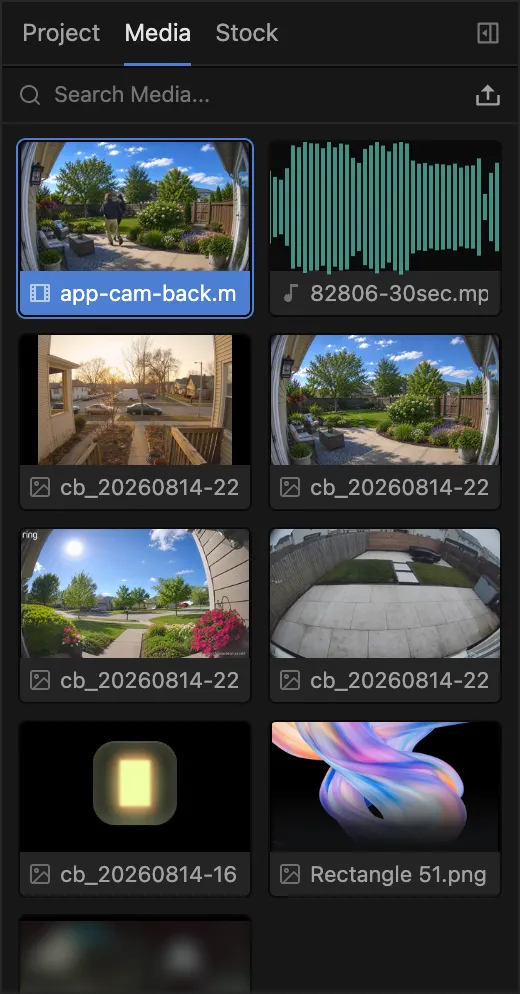
Media Library
Drop in video, images, audio and fonts, then drag them straight onto the canvas.
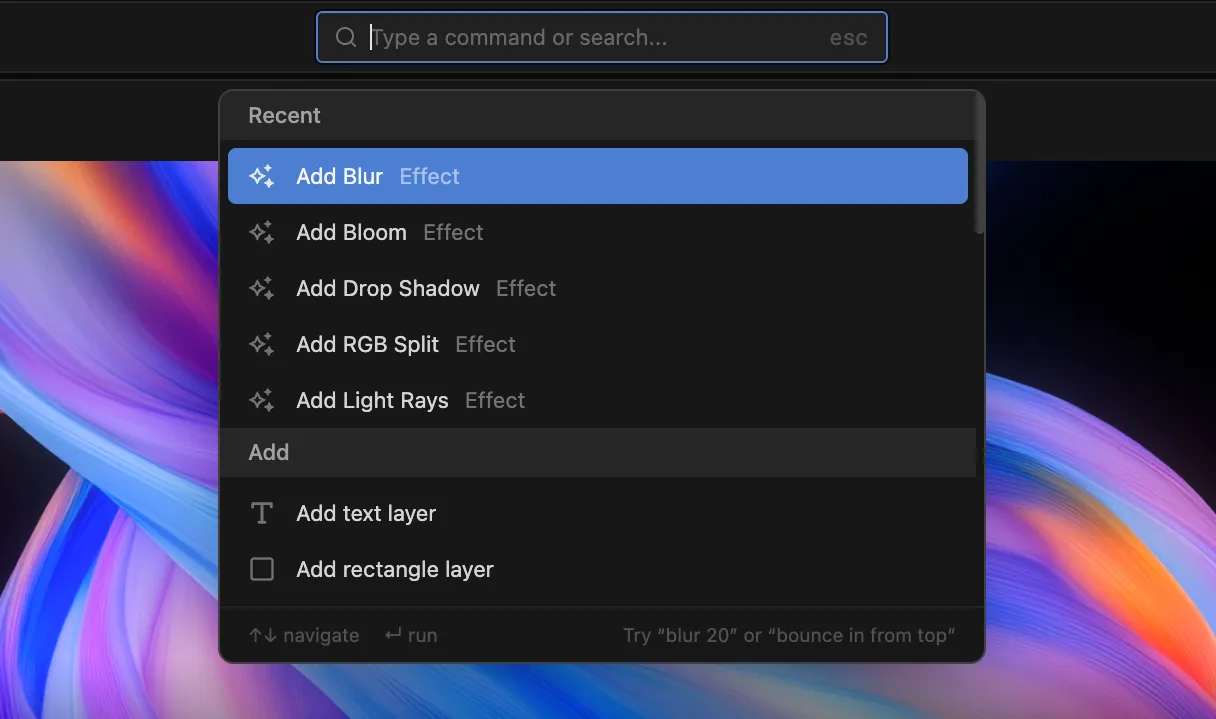
Command Menu
Search every layer, effect and action from one place and run it without touching the mouse. Add an effect, jump to a layer or fire any command in a few keystrokes.
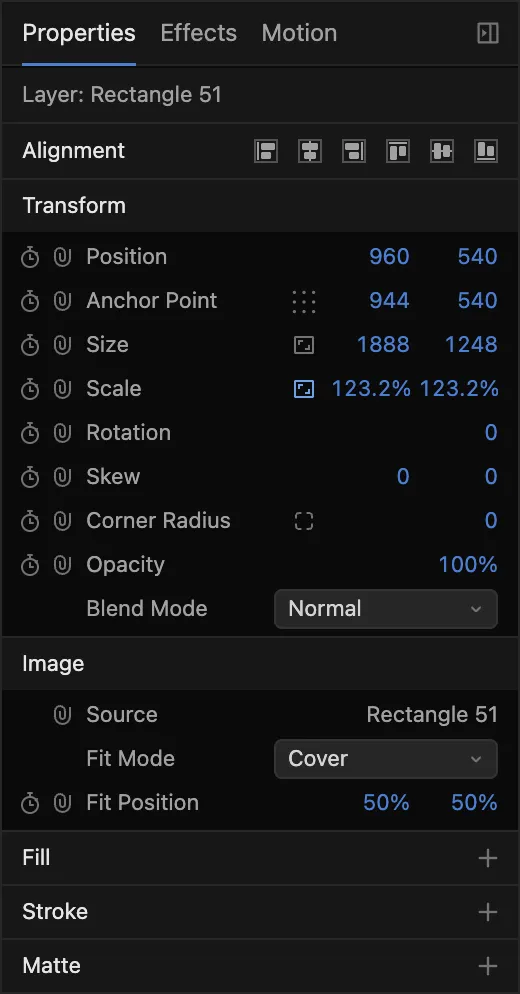
Properties Panel
Every transform, effect and control for the selected layer, with a keyframe one click away.
Start creating now.
Open the editor and design your first animation. No sign-up required.
02. Template
Turn any project into a template.
Expose the parts that change as fields, and anyone on your team can make a new render by filling in a form.
Variables
Create a variable and link any property to it. One colour can drive two layers, one text field can drive the headline. Change it once and everything follows.
Form Editor
Choose which variables become fields. The form is all your team ever needs to see.
Anyone can edit & render
Pick a template, fill in the form and watch the preview update as you type. Allow anyone on your team to generate new renders easily.
Turn your next project into a template.
Try it free in the editor, or pick a plan for your team.
03. Automate
Render videos programmatically.
Trigger a render from your own systems and get a finished video back via our cloud render servers.
Render API
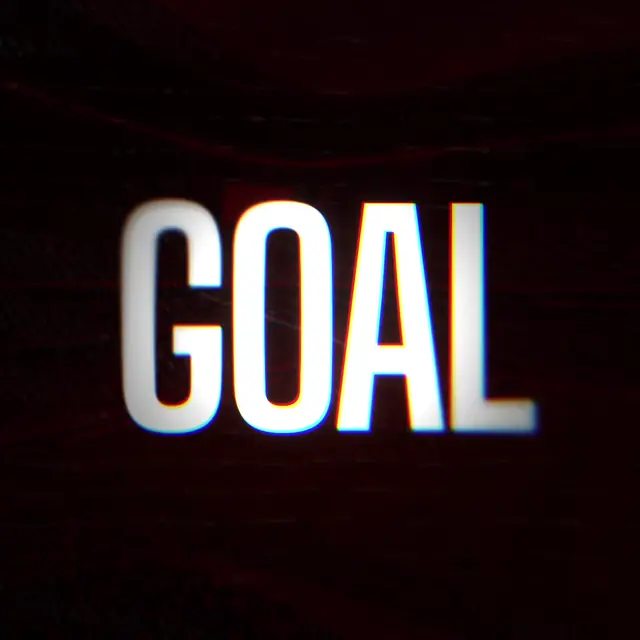
Send the fields, get an MP4 back. One request from your app, CRM or workflow tool.
{
  "projectId": "prj_k3d9x2",
  "variables": {
    "scorer": "",
    "team": "",
    "score": ""
  }
}
Ready to render at scale?
Pick a plan to start rendering through the API, or try the editor first.
Why we made it
Software designed by motion graphics professionals.
We've spent our careers making motion graphics for brands like Netflix, Sony and Just Eat, and years building tools around that work. We know how much of the job isn't design: the learning curve, the versions redone by hand, the file only one person can open.
Edit Square is our answer. A real-time editor in the browser that anyone can pick up, with presets, keyframes and expressions for when you want to go deeper. Turn any project into a form the whole team can fill in, or hand it to the API and render at scale.
We're here to build the modern approach to motion design, and we're just getting started.